Deciding what someone can do
Access has boundaries
A friend shares a photo album with you. You can open it and look through the photos, but you cannot delete them or invite other people. You have access to the album, with limits on what that access allows.
Authorization determines whether a requested action is permitted. Authentication helps establish which account is being used. Authorization decides what that account can do. Some resources, such as a public album, may be available without signing in at all.
Understanding an access decision
Consider what the application needs to know when you try to delete a photo:
- Subject: the person or application making the request.
- Resource: the particular photo being accessed.
- Action: deleting that photo.
- Context: relevant circumstances, such as the device being used.
A policy defines the rules used to make the decision. Our example application might allow an album's owner to delete photos, while allowing invited viewers only to read them. Being the owner of one album would not make you the owner of every album.
Organizing permissions
Role-based access control (RBAC) groups permissions into roles. An album editor might be able to add photos and change captions. Assigning that role gives someone those permissions within the intended scope, such as one shared album.
Attribute-based access control (ABAC) evaluates rules using attributes of the subject, resource, action, and environment. A workplace photo library might require both membership in the communications department and a company-managed device to download unpublished images. Roles and attributes can be used together.
Least privilege means granting only the access needed for the task. Giving a photographer permission to upload images does not have to give them permission to manage everyone else's accounts.
Enforcing the decision
Hiding a delete button makes an interface easier to use, but someone can still send the underlying request directly. The service protecting the photo must check the requested action against the particular photo on every request. If no rule grants access, the request should be denied.
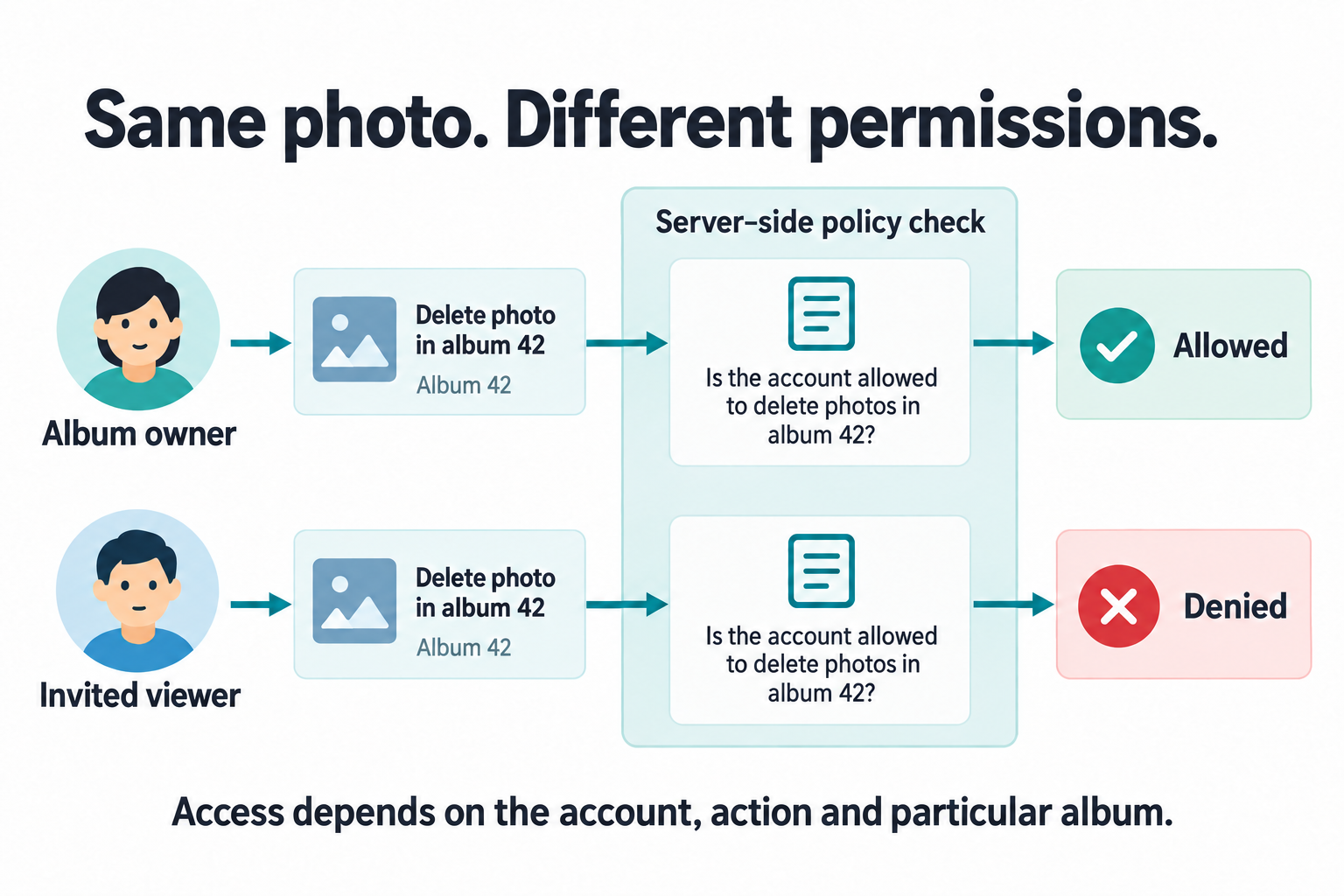
Imagine changing an album number in a request from 42 to
43. The application must check your access to album 43 rather
than assuming that a signed-in account can open any album. An identifier
locates a resource; knowing it does not establish permission to use it.
The Authorization and policy lessons turn these ideas into working designs, starting with Designing permissions. They cover role assignments, attribute-based rules, and server-side checks on every object, and Testing, auditing, and changing policy tests requests that should be allowed or denied.
To understand where those checks happen, we need to follow the request from the browser to the service. Continue to How applications communicate.